
Build Whatever: How to Save Builds and Get Back to Them Later
Where to build in Build Whatever so your creation is saved: build in your own personal world, then come back to that same world later and keep building.
Quick answer
Build in your own personal world — created through the World System — and your creation is saved there. You get back to it later by returning to that same world and continuing where you left off. The saving promise is tied to your own world.
- Create a personal world and build without random players getting in the way
- Invite friends and manage who can join
- Use a private world when you want peace
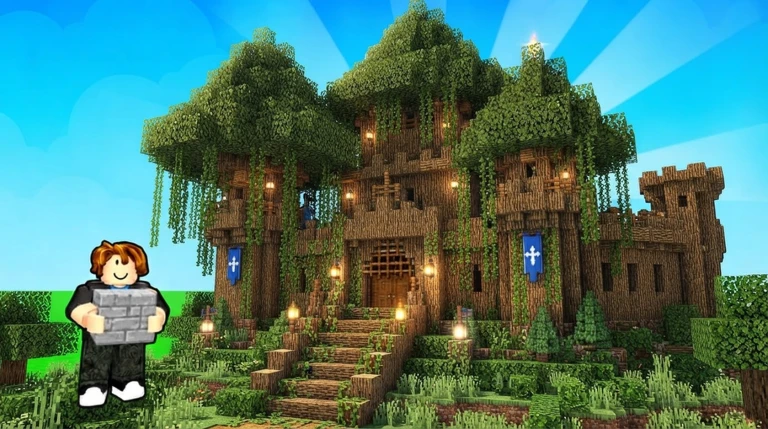
Where to build so your creation is saved
Build Whatever's World System is the direct answer. When you create your own personal world, you can build without random players getting in the way — and that is exactly the place the game attaches saving to: create your world, invite friends, manage who can join, and keep your creations saved. If you are starting fresh, the how to play guide covers the first steps.
The “keep your creations saved” promise is attached to the World System — a world you own. If a build matters to you, build it in your own world. If you also want to see how shared sessions run, world sessions breaks them down.
How to get back to your build later
The game states the loop outright: “Your builds save — your creations can be saved so you can come back and continue building later.” In practice that means:
- Create your own world.
- Build in it — solo or with friends.
- Leave whenever you like; your world holds your creations.
- Come back later, return to that same world, and pick up where you stopped.
One thing worth knowing: the game does not spell out whether saving happens automatically when you leave or whether there is a save action to press, and it does not publish the exact menu steps for reopening a world. What it does promise is the part that matters here — your own world is where your creations persist between sessions, so getting back to your build means going back to your world, not starting over.
Set your world up for easy returns
- Keep a project in one world. The saving promise is attached to your own world, so keeping everything in the same place means you always know where your build lives.
- Go private when you want peace. A private world option exists for building without interruptions.
- Bring friends in on your terms. You can invite friends and manage who can join — see build with friends for the multiplayer side.
- Decorate as you go. Advanced furniture is available for detailing houses, shops, bases, and cities, so finishing touches become part of the same saved world.
What will you build?
A tiny house, a huge city, a secret base, or something completely ridiculous — your world is yours to build. If you need a starting point, browse these Build Whatever build ideas.
Related Guides
World Sessions
Understand your personal world: privacy, inviting friends, and how saves carry between sessions.
City Building
Plan the large city builds the game explicitly supports, and set up the right world and saves first.
How to Play: Join & Set Up Your World
Join the right Build Whatever experience, create your personal world, and turn the starting island into your first build.