
How to Build With Friends in Build Whatever (And Who Controls Access)
Create your own world in Build Whatever, invite friends, decide who can join, and keep your shared builds saved between sessions.
Quick answer
Building with friends in Build Whatever happens in a world you create yourself. The game's World System gives you a personal world where you invite friends and decide who can join, and your builds save between sessions, so a shared project can continue anytime.
- You create the world, so you are its owner and the one who controls access.
- Friends get in by your invite, and you manage who can join.
- Random players stay out of a personal world, and a private-world option exists when you want peace.
- Your creations save, so the group project is still there next session.
Build together in your own world
Co-op building in Build Whatever works through the game's World System: you create your own personal world and build there together with friends, turning a simple island into anything you want. Collaboration happens inside that world of yours — not on a random public server where strangers can wander through the project.
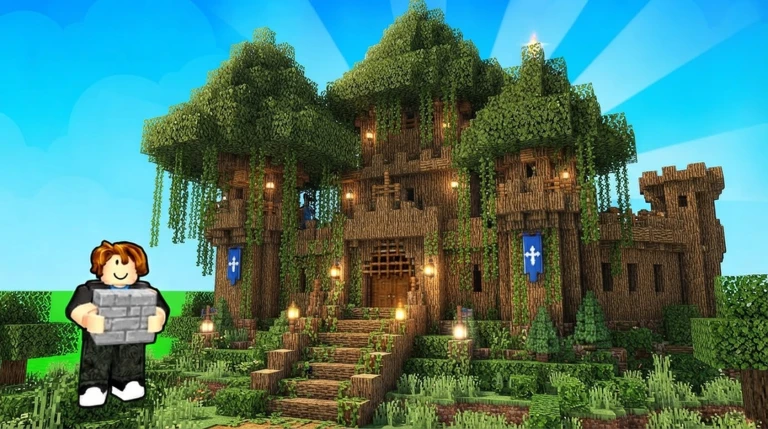
If you are new to the game, the how to play guide covers the building basics first.
Who controls access: you, the world's owner
Because the shared world is one you created, you are the one who controls it:
- Invites come from you. The World System lets you invite friends into your world, so everyone who is there was brought in by you.
- You manage who can join. Join access is managed by the world's owner — you decide who is allowed in.
- Random players stay out. A personal world exists so you can build without random players getting in the way, and there is a dedicated private-world option for when you want peace.
That control is also what keeps the group's chaos friendly — the game itself lists “mess around and troll your friends” among its features, and in your world everyone present was let in by you. For the playful side of that, see Build Whatever trolling.
The shared project persists
Creations in your world can be saved so you can come back and continue building later. That is what makes a group project workable: the base you and your friends started today is still there next time, ready to be extended. The guide to saving builds covers keeping your work, and world sessions explains how coming back to your world works.
What you can build together
Your world is yours to build. The game's own examples run from a tiny house to a huge city, a secret base, or something completely ridiculous, and advanced furniture and props help you decorate houses, shops, bases, and cities so they feel complete. If the group needs a direction for the next project, browse these Build Whatever build ideas.
Related Guides
Solo or Multiplayer
See what changes when friends join your world and what stays the same when you build solo.
World Sessions
Understand your personal world: privacy, inviting friends, and how saves carry between sessions.
Lighthearted Trolling
Host a friends-only world, pick chaos gamepasses, and set house rules for consensual pranks.