Tiny house
The smallest project the game names — a compact home you can keep expanding, since creations save.
Turn a blank world into imaginative creations using blocks and building tools. Build solo or with friends, with autosaving advertised for private servers.
Gamepass Prices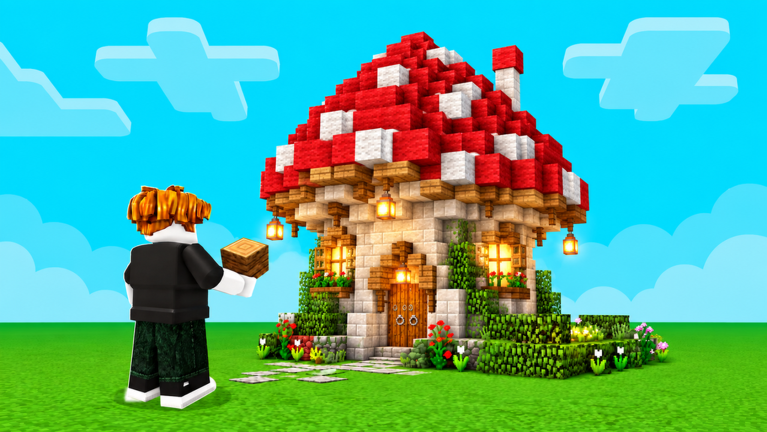
Join the Build Whatever! [🔨] experience on Roblox, create your own personal world, and turn the simple starting island into your first build.
Join the right experience
A space where random players cannot get in the way
Your first creation
Choose a starting point: building guides, world saves, multiplayer, gamepass prices, codes and the latest game updates.
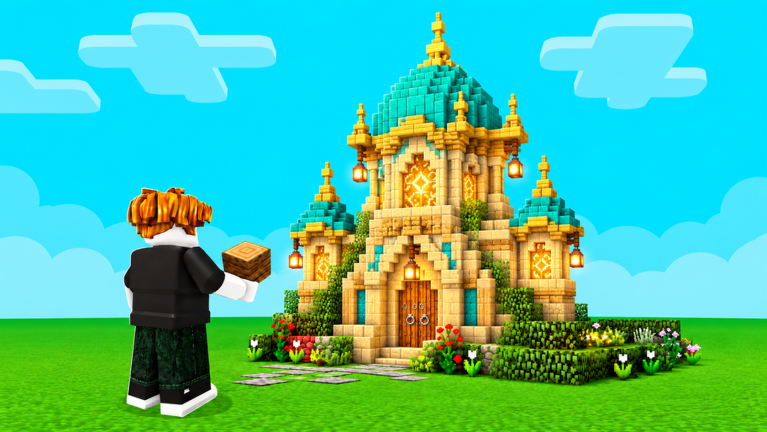
Build Whatever! [🔨] is a Roblox sandbox simulation built around open-ended creativity rather than a prescribed story. Players set their own goals, from refining a personal design to trying unusual structures and playful ideas across sessions.
Learn How to PlayDeveloper
Blazely Games Sandbox
Platform
Roblox
Genre
Simulation · Sandbox
Created
Oct 4, 2026
Starting World
Blank canvas
Play Style
Solo and collaborative
Creative Focus
Player-made structures
Max Players
12
Builds save in your own personal world: create it, build, leave whenever you like, and come back to the same world to continue where you stopped.
The saving promise is tied to the World System — a world you own
A project worth keeping
Your world holds your creations
Pick up where you stopped
From a tiny house to a huge city — project types the game itself names, plus community favorites like battlefields, with a starter recommendation for your first build.
The smallest project the game names — a compact home you can keep expanding, since creations save.
A build that detailed furniture and props make feel complete, per the game's own description.
A hideout with a purpose — build it for yourself or as a base for role-play once friends visit.
Streets, districts and skylines — the long-term project your save file carries across many sessions.
The description's own catch-all: if it fits no category, it still fits 'your world is yours to build'.
From a community clip page: build a battle field, then role-play, hang out or have 'war' with friends.
Players describe building a town to hang out in — it shines when you build it with friends.
Every optional pass ranges from R$5 (Diamond Block) to R$1,499 (Infinite Tnt), with the R$399 UNLOCK EVERYTHING bundle above the three R$199 passes — which already total R$597 on their own.
| Price band | Passes | Includes |
|---|---|---|
| R$24 or less | 14 passes | Diamond Block R$5 · Extra Blocks Pack [10 blocks] R$19 · Paint [🎨] R$24 |
| R$49–R$99 | 5 passes | Sling Shot [Can Destroy Blocks] R$49 · Rocket Laucher [OP] R$67 · Bat [Can Destroy Blocks] R$99 |
| R$199 | 3 passes | Galaxy Slap Glove [OP] · Fly Ability [OP] · Advanced Furniture ✨ |
| The two standouts | 2 passes | UNLOCK EVERYTHING ✨ [OP] R$399 · Infinite Tnt 💣 R$1,499 |
Co-op building happens in a world you create: invites come from you, you manage who can join, random players stay out, and the shared project saves between sessions.
The shared world is one you created, so you are the one who controls it.
The World System lets you invite friends into your world — everyone present was brought in by you.
Join access is managed by the world's owner, and random players stay out of a personal world.
A dedicated private-world option exists when you would rather build without company.
Creations save between sessions, so the group's build is still there next time.
Who is in your world is your call: build alone, invite the friends you choose, or use a private world for total peace — and the build stays saved between sessions.
A huge city is an explicitly supported build: zone the island, lay roads before buildings, and treat the project as one district per saved session.
Split the space into districts — housing, shopping, special builds — so the city grows around a plan.
Plan the street grid and plot boundaries early; it is easier to place buildings on a prepared layout.
Saving lets you come back and continue, so treat the city as a series of sittings.
Place a building's structure, then use Advanced Furniture to make its interior feel complete.
If friends are helping, hand each builder a zone so work does not overlap.
Trolling is on the game's official feature list. Host a friends-only world, agree on chaos zones, and pick the night's flavor — silly scenes, contained demolition, or a peaceful private session.
Current Build Whatever code availability, rewards and source-check dates.
No Build Whatever codes are currently reported working.
Quick answers to the questions players ask when starting out in Build Whatever.
Plan your first build, compare gamepass prices, or jump into Roblox and start creating.